-
Shop
- Advanced Technologies
- Best-Sellers
- Car Accessories
- Dating & Social Skills
- Digital Resources
- Budgeting & Saving
- Emotional Intelligence
- Entrepreneurship & Business Growth
- Financial Independence
- Financial Mindset & Psychology
- Goal Setting
- Leadership
- Mindfulness
- Motivation
- Online Business
- Positive Thinking
- Productivity
- Self Confidence
- Sleep Improvement
- Stress Management & Relaxation
- Yoga & Mind-Body Practices
- Education & Learning
- Family & Parenting
- Fashion
- Alexander McQueen
- Bags
- Bags & Wallets
- Balenciaga
- Belts
- Blazers
- Blouses & Shirts
- Bottega Veneta
- Bottoms
- Brunello Cucinelli
- Burberry
- Chanel
- Chloé
- Dior
- Dolce & Gabbana
- Dresses
- Etro
- Fendi
- Gucci
- Jacquemus
- Jewelry
- Jil Sander
- Keychains
- Kiton
- Luggage
- Luggage Bags
- Miu Miu
- Off-White
- Outerwear
- Prada
- Rick Owens
- Saint Laurent
- Shoes
- Socks & Tights
- The Row
- Tom Ford
- Valentino
- Valentino Garavani
- Versace
- Vivienne Westwood
- Fashion Accessories
- Furniture
- Gadgets
- Guess
- Headphones
- Health & Beauty
- Health & Wellness
- Home & Garden
- Home Supplies
- Kids & Babies
- Kitchen
- Kitchen Best-Sellers
- Lighting
- Patio, Lawn & Garden
- Personal Growth
- Pet Care
- Pet Supplies
- Pets
- Sport & Outdoors
- Super Deals
- TikTok Growth & Monetization Mastery
- Travel
- Wealth
- Popular
- Best deals
What Does the My Day App Do? Features and Uses
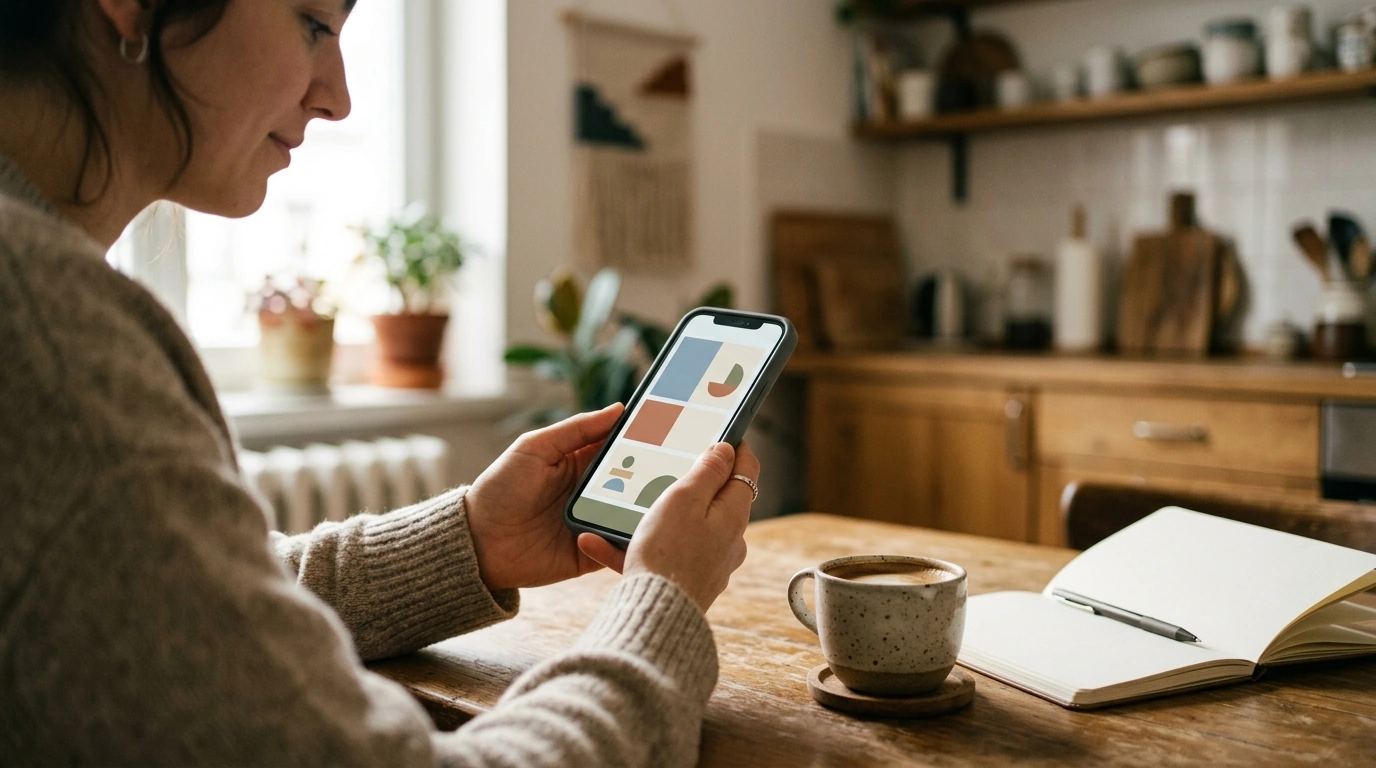
What is the My Day app?
“My Day” can refer to more than one app, so the exact features depend on which one you mean. In a daily-planning context, it often describes an app or feature that helps you focus on today’s tasks, set priorities, and keep track of what you want to accomplish.
For example, Microsoft To Do uses “My Day” for a daily task list. You can add tasks, review what needs attention, and start fresh with a new list each day. Other apps with similar names may focus on schedules, journaling, mood tracking, or personal routines instead.
What can you use it for?
A daily app can make a busy day feel more manageable by gathering plans in one place. Depending on the app, you might use it to:
- Choose a few priorities instead of trying to do everything at once.
- Keep reminders, appointments, and small tasks together.
- Record a mood, note, or moment of gratitude.
- Build in a short pause, stretch, or reset between activities.
Some apps are primarily practical organizers, while others encourage reflection or positive habits. Check the app’s description and privacy settings before entering personal notes or connecting calendars. Features, pricing, and data practices vary by developer.
Is a My Day app the same as a positivity app?
Not necessarily. A task planner helps you organize what you need to do; a positivity app may offer encouraging messages, reflection questions, or brief wellness activities. Some tools combine both, but the name “My Day” alone doesn’t identify a particular set of features. If you’re looking for small ways to add encouragement to your routine, explore our guide to daily positivity, quotes, and mini resets.
FAQ
How can daily check-ins support a calmer routine?
A brief check-in can help you notice how you’re feeling and choose a realistic next step. Keeping it simple—such as naming one priority or taking a short pause—can make the habit easier to maintain.
Recommended for you


Home Office Decor Ideas for Focus, Style & Comfort
Sep 29, 2026
Top Stainless Steel Cutlery Brands: How to Choose
Sep 30, 2026













Leave a comment